Your menu.
Every screen.
One click.
Digital menu boards for the screens you already own. No installer, no site survey, no hardware to buy — upload your menu, assign it to a screen, and it's live.
No engineer
Nobody visits your premises. You set it up yourself in a browser.
No site survey
No waiting on a quote. The price is on our pricing page.
No new screens
Use the TV that's already on the wall. Just open a URL.
Everything you need
A complete toolkit for managing digital menu displays across all your locations.
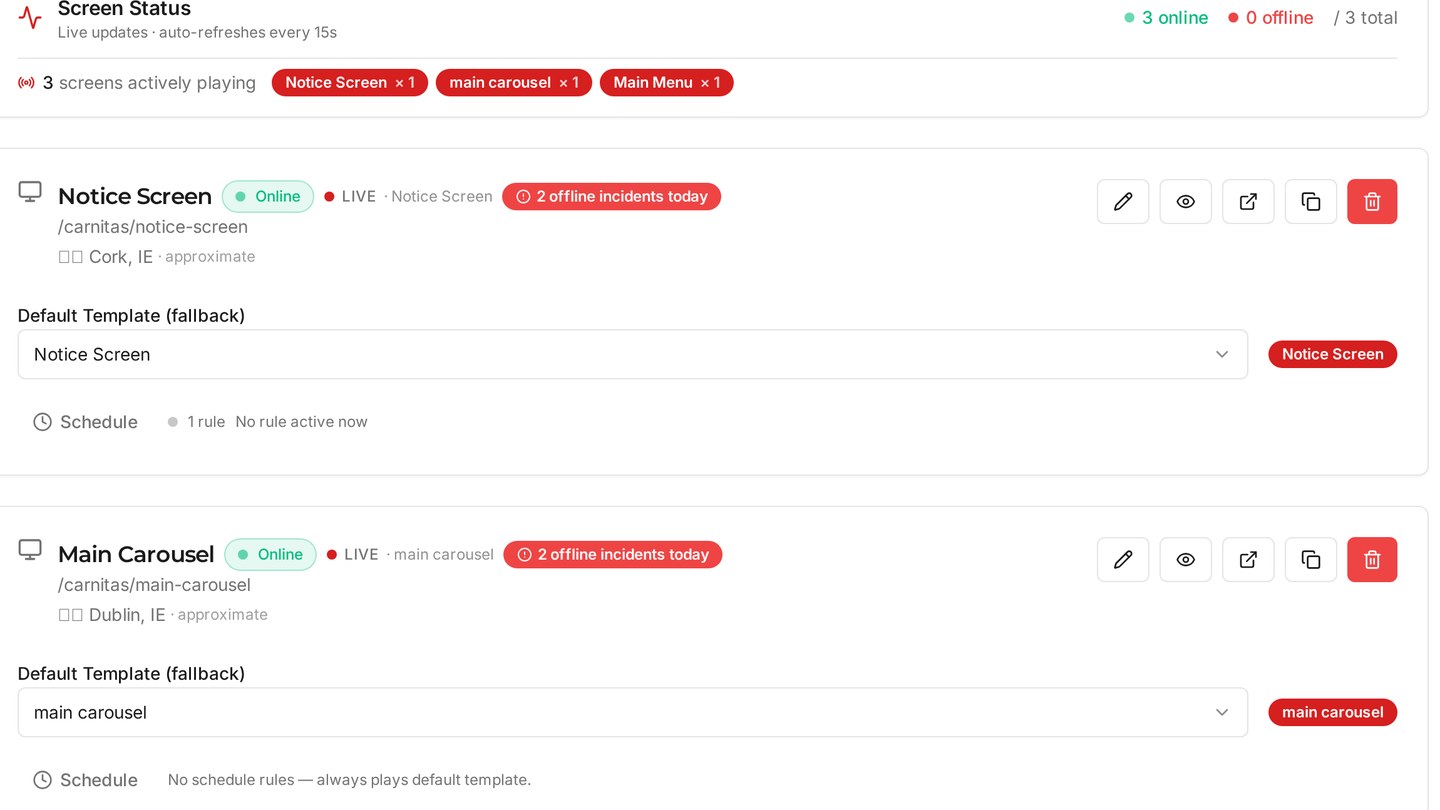
Know Every Screen's Status
See at a glance which screens are online, which went dark, and when — with a full incident history.
Menus That Change Themselves
Switch to the breakfast board at 7am and the evening menu at 5pm, by day of week or date range.
Push a Fix Instantly
Spot a screen showing the wrong menu and force it back in one click. No walking to the TV.
Runs on Screens You Own
Any smart TV, tablet, or monitor with a browser. No commercial panels, no media player boxes.
Reusable Templates
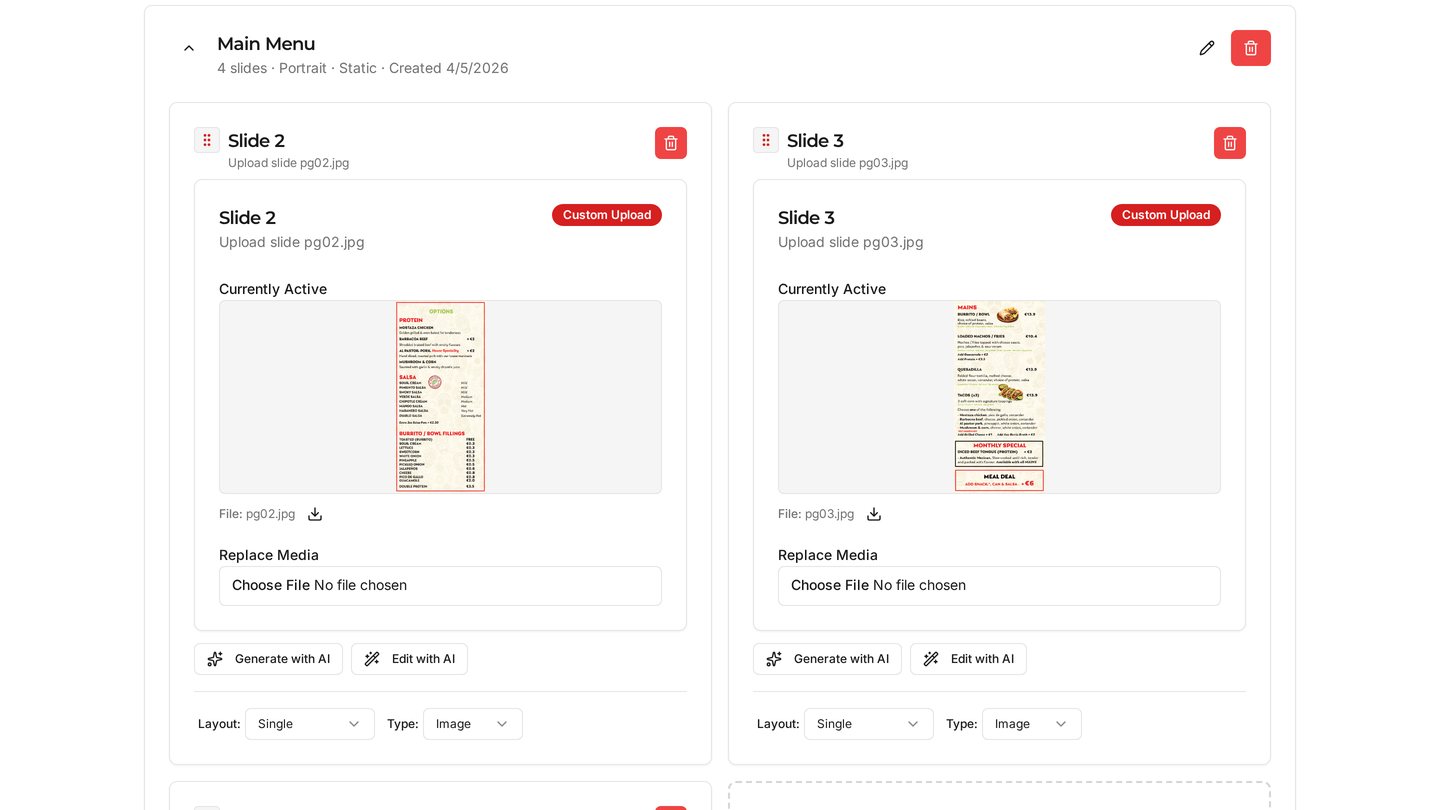
Build a menu once, assign it to any screen, and swap a whole venue over in seconds.
Everything in One Dashboard
Upload images and video, organise slides, manage your team — from your phone or desktop.
See it in action
Upload, build a template, and go live — in seconds.
Three steps to go live
Screens
Add your screens and see their live status.
Template
Organize slides and choose display mode.
Screen
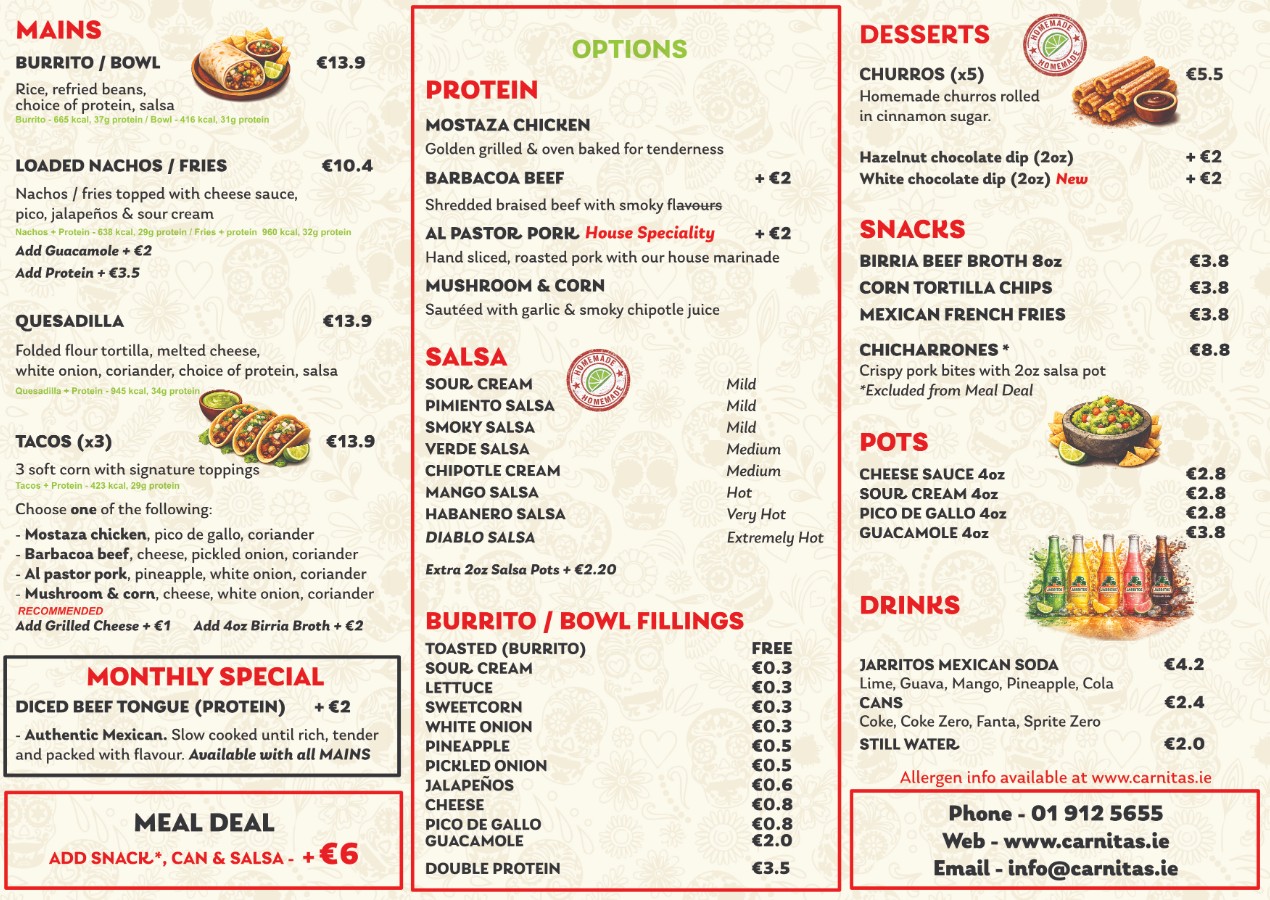
Assign the template to a screen and go live.
Ready to upgrade your menu boards?
No engineer, no quote, no hardware order. Start on the screen you already have.